
Rock IdentifierScan and Identify Gems
Unlock the secrets of nature. Snap a photo of any rock and let our AI reveal its identity and fascinating details instantly!


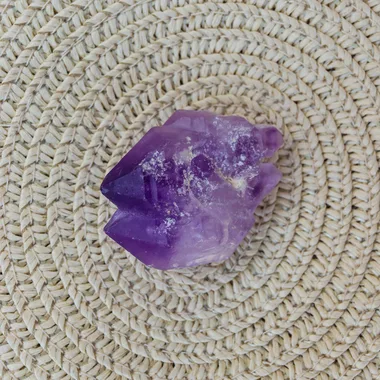
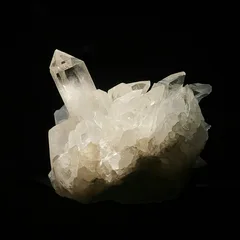
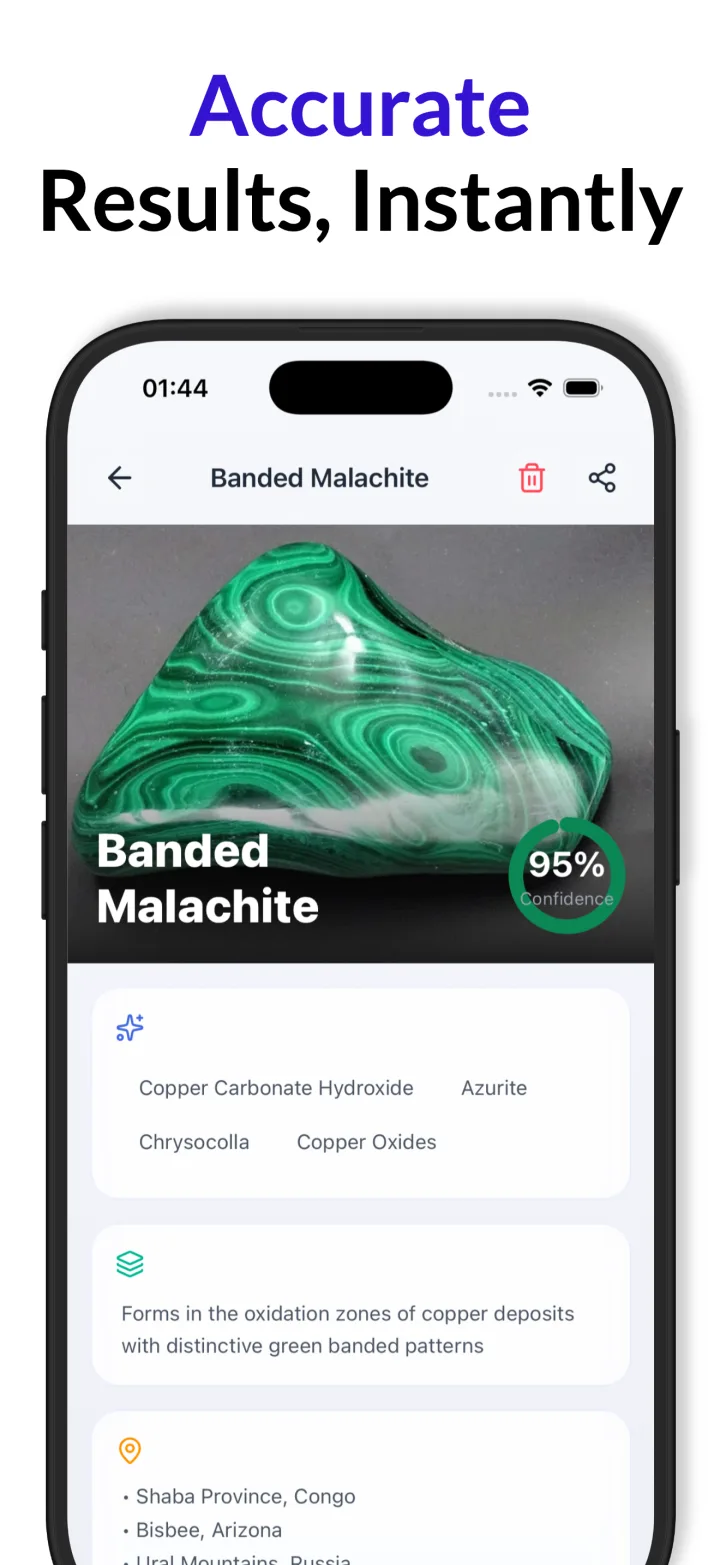
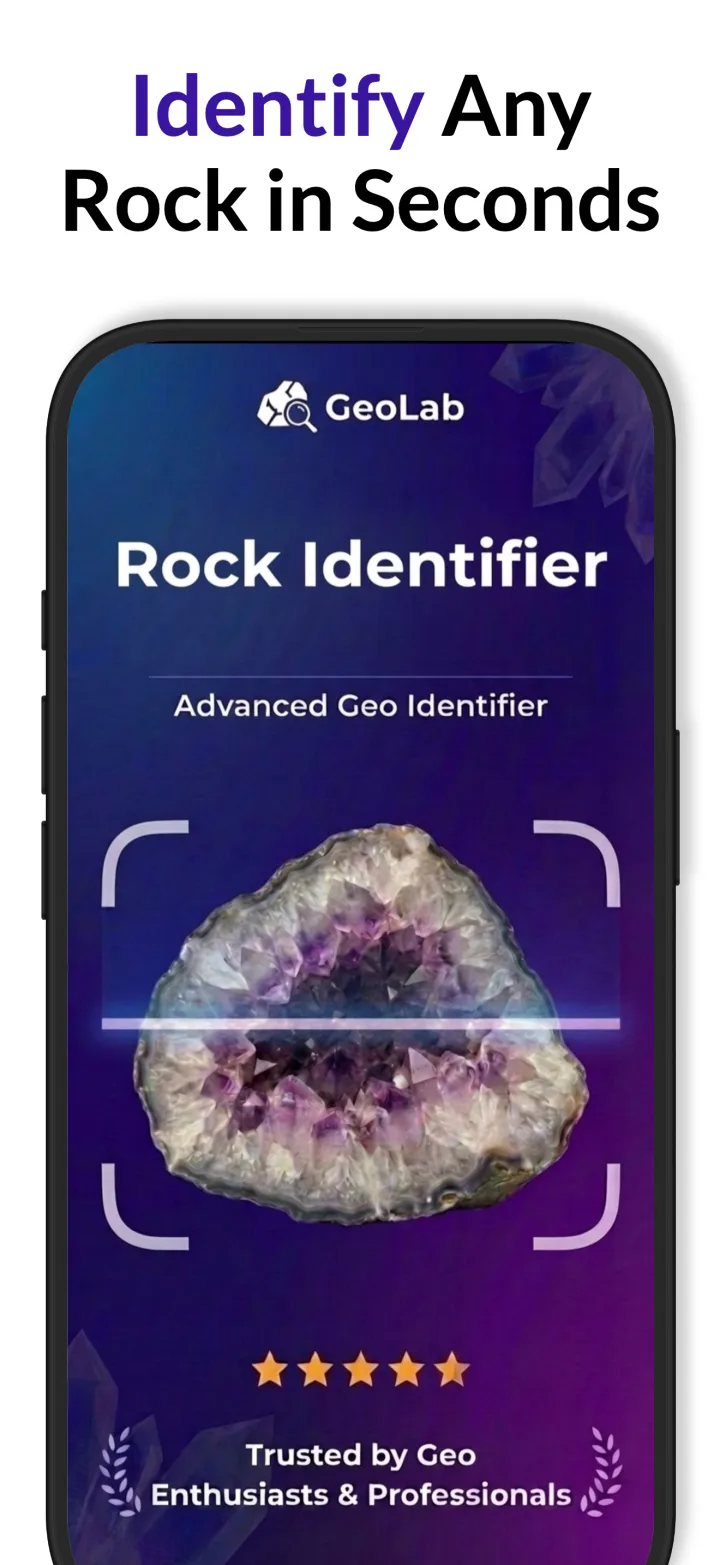
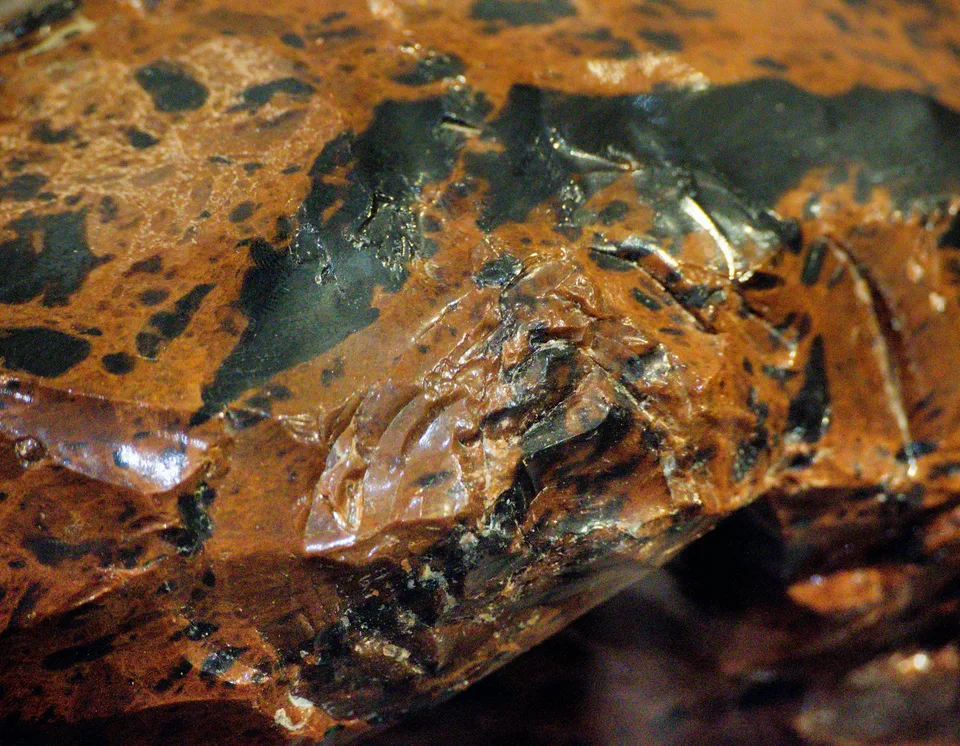
Instant AI-powered identification
Snap a photo and receive immediate results on the type of rock, mineral, or gemstone.
Identify my rockDetailed descriptions
Each identification comes with comprehensive information about the rock's properties, origin, and common uses.
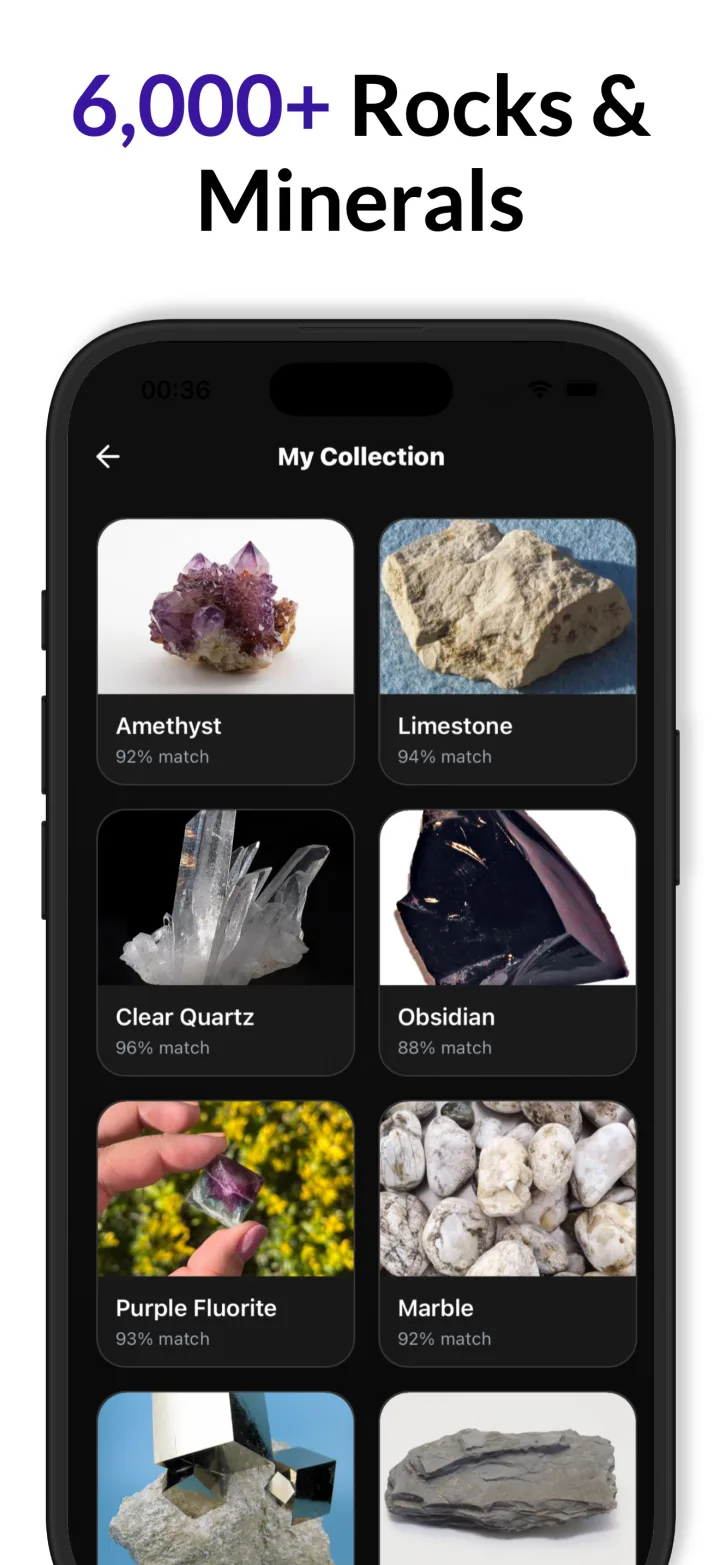

Photo library integration
Easily access your existing rock photos to identify specimens from past adventures.
Show me detailsSave your collection
Keep track of your discoveries by saving identified rock images directly within the app.
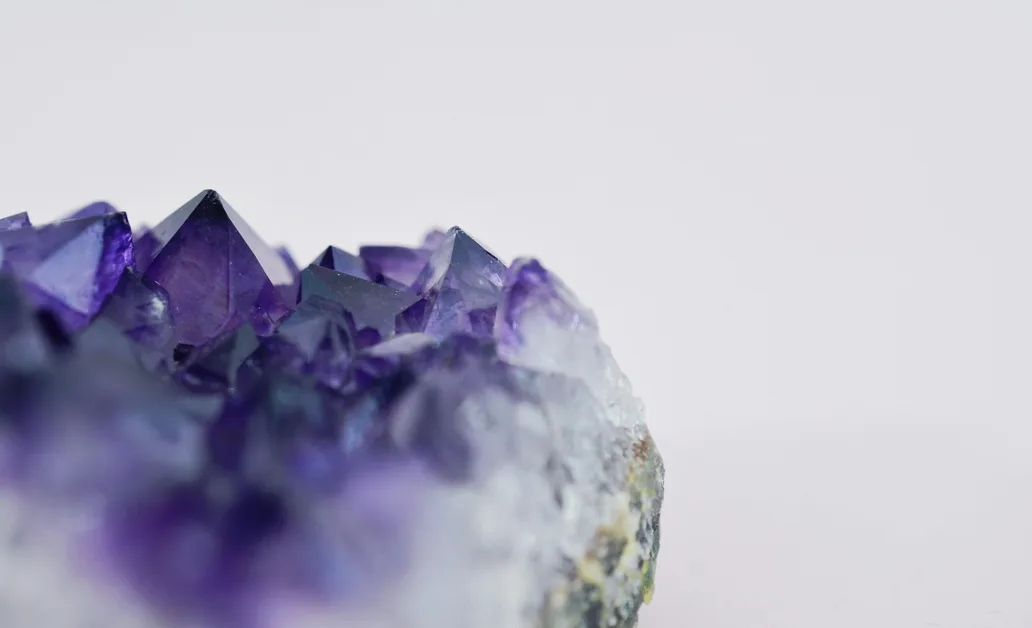
How it works
Snap or Upload Photo
Use your camera or access your photo library to provide a rock image for identification.
Analyze and Identify
The app's AI identifies the rock or mineral and provides a detailed description of its properties, origin, and common uses.
Save and Share Discoveries
Save identified specimens to your collection, access them later through the photo library, and share findings on social media.
Questions
How can I identify a rock I found?
Rock Identifier offers instant AI-powered identification: you snap a photo and receive immediate results identifying the rock, mineral, or gemstone in your image. The app delivers the identification result directly from the photo you submit, providing the type of specimen detected and presenting that identification as the primary outcome of the scan.
How do I learn more about a rock's properties, origin, and uses?
Rock Identifier provides detailed descriptions with each identification, supplying comprehensive information about a specimen's properties, origin, and common uses. When the app identifies a rock or mineral, it presents that contextual information so you can read about composition, typical locations, and ways the material is commonly used, all as part of the identification package.
Can I identify rocks from photos I already have on my phone?
Rock Identifier integrates with your photo library so you can easily access existing rock photos and submit them for identification. The app lets you browse images already on your device, select a photo of a specimen, and run the identification process on that image, treating saved or older pictures the same way as newly captured photographs.
How can I keep track of and share the rocks I identify?
Rock Identifier lets you save identified rock images directly within the app to keep track of your discoveries. The app also includes sharing features so you can connect with fellow enthusiasts by posting identified specimens to social media, enabling easy export or sharing of saved items from your in-app collection.
Guides
- Best Rock Identifier Apps: 6 Compared
- Crystal shapes and their scientific names
- How to differentiate a gem from a mineral
- How to estimate gemstone value accurately
- How to identify a gem by refractive index
- How to identify a gemstone by its colour
- How to identify a meteorite from a rock photo
- How to identify a mineral by its streak
- How to identify agate and jasper rocks
- How to identify amethyst crystal
- How to Identify Igneous Rocks: Granite, Basalt, Obsidian & Pumice
- How to identify crystal cleavage and fracture
- How to identify fossils in rocks
- How to identify granite versus marble rocks
- How to identify metamorphic rocks
- How to identify obsidian and volcanic glass rocks
- How to identify pyrite versus gold mineral
- How to identify quartz crystal varieties
- How to identify sedimentary rocks by layers
- How to tell if a rock contains gold value
- How to test if diamond is real gemstone
- Identify my rock by photo
- Rock identifier by photo
- What is Mohs hardness for quartz mineral
- What is the worth of raw gemstone
Reference tables

Start identifying rocks today
Snap photos to get instant AI identifications, read detailed descriptions, import old photos, save your collection, and share finds with fellow rock enthusiasts.